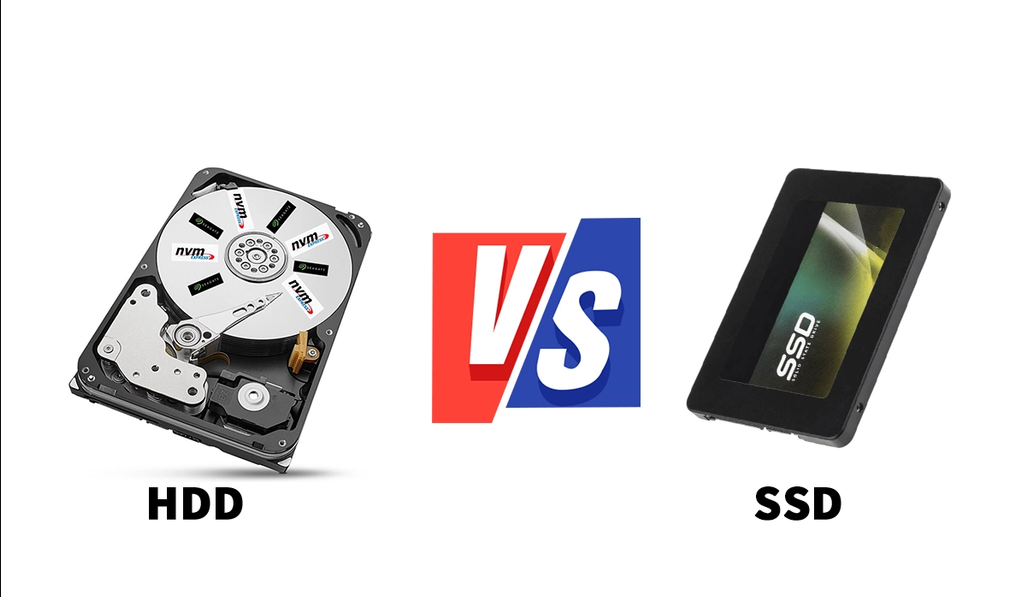
The 30-Second Summary
An HDD stores data on physically spinning magnetic disks; an SSD stores it on flash memory chips with no moving parts. That makes the SSD far faster and quieter, while the HDD still wins by a mile on price per gigabyte when you need a lot of capacity. In 2026, the most common setup is combining both: SSD for the system and programs, HDD for anything that doesn't need speed.
1. What's Literally Inside Each One
An HDD (Hard Disk Drive) works with magnetic platters spinning at high speed while a read/write head moves across them, not too different from an old record player. An SSD, on the other hand, has no moving parts at all: it stores everything on flash memory chips, similar to what's inside a USB stick but far faster and more sophisticated.
That architectural difference explains almost everything else: why an SSD boots a PC in seconds while an HDD takes half a minute, why one is silent and the other makes noise, and why one survives a drop much better than the other.
2. Quick Comparison
| Aspect | HDD | SSD |
|---|---|---|
| Speed | Low | Very high |
| Price per GB | Very low | Higher (though it's dropped a lot over the years) |
| Max capacity | Up to 20-30 TB | Up to 4-8 TB for consumer drives |
| Noise and vibration | Yes, has moving parts | None |
| Shock resistance | More fragile | More resilient |
3. Prices in 2026 Have a Twist
Over the past few years, the price gap between the two drive types kept shrinking steadily. But in 2026 that trend hit a snag: a shortage of NAND memory pushed SSD prices per gigabyte back up, especially on high-speed NVMe models. HDDs, on the other hand, have a much more stable manufacturing process and remain by far the cheapest option when you need to store lots of terabytes of photos, videos, or backups.
For everyday use — office work, video calls, browsing — a mid-range SATA SSD is more than enough; there's no need to pay extra for a top-tier NVMe drive if your routine doesn't involve heavy video editing or constant software compiling.
4. The Combo Everyone's Using Right Now
The most common setup in 2026 is no longer "one or the other," but both working together. The SSD carries the operating system, the programs, and the games you actively use: that's where you feel the full speed difference. The HDD becomes the second drive for anything that doesn't need to load fast: photos, backups, old files, games you barely touch. Installing the operating system straight onto an HDD today is, in practice, the easiest way to make a computer feel slow for no good reason.
5. Frequently Asked Questions
Does an HDD still make sense in 2026?
Yes, if what you need is cheap capacity for files you don't need to open quickly. For the main system drive, almost nobody recommends it anymore.
SATA SSD or NVMe?
For general use, SATA is indistinguishable day-to-day. The jump to NVMe shows up mainly in heavy video editing, frequent compiling, or loading very large files.
Does an SSD wear out the same way an HDD does?
It wears differently: each memory cell has a limit on write cycles (TBW), but under normal use that limit takes many years to reach.
This article is for educational and informational purposes. Reference prices may vary depending on the market, brand, and time of purchase.